ZPL Validator, Tester & Debugger
Test and debug your ZPL code online. Detect syntax errors, decode commands, and validate label structure before printing.
How it works
Free ZPL tester & debugger. Paste your code to detect syntax errors, decode commands, and validate label structure — no printer, signup, or download required.
- 1Enter or upload your ZPL code in the validator
- 2Click on 'Validate ZPL' to analyze the code
- 3Review the results, including errors and warnings
- 4Consult the explanations and references to improve your code
shipping-label.zplZPL code
^XA^CI28^PW812^LL1218^FO24,24^GB764,1170,4^FS^FO24,24^GB764,120,120^FS^FO60,60^FR^A0N,60,60^FDZPLPDF^FS^FO440,72^FR^A0N,38,38^FDDEMO LABEL^FS^FO60,190^A0N,30,30^FDSHIP TO^FS^FO60,232^A0N,46,46^FDJANE DOE^FS… 18 more linesRendered label
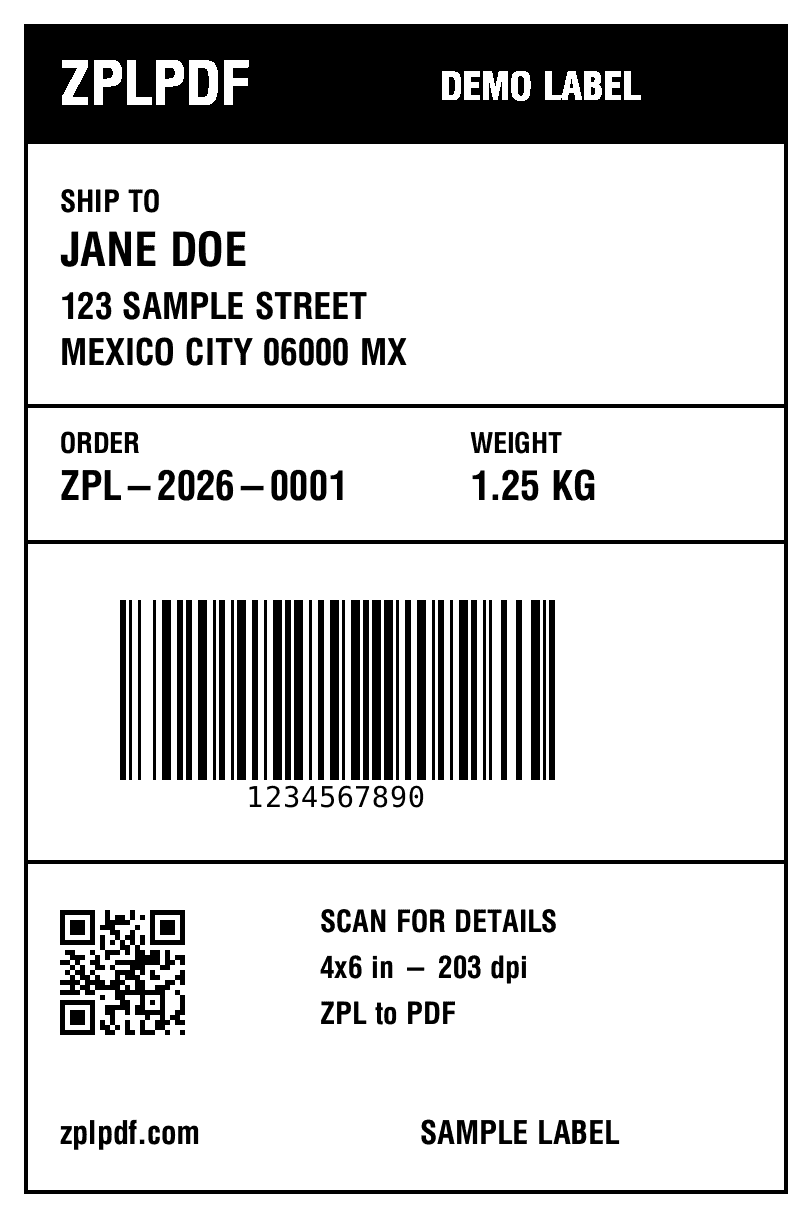
4×6 in · 203 dpi · 1 label
Features
Detection of structural errors in ZPL code
Identification of warnings and possible improvements
Analysis of commands used in your labels
Reference of common ZPL commands
Detailed explanations of detected problems
Support for drag and drop ZPL files
Enter ZPL code or drag a file
Frequently asked questions about ZPL validation
How do I validate my ZPL code online?
Paste your ZPL code into our validator or drag and drop a .zpl file. Click 'Validate ZPL' to run the analysis. You'll receive a detailed report showing errors, warnings, and command usage statistics.
What errors does the ZPL validator detect?
Our validator detects missing ^XA/^XZ format tags, unbalanced field separators, invalid command syntax, missing positioning commands (^FO), font specification issues, and barcode configuration problems.
Can the validator fix ZPL code automatically?
The validator identifies issues and provides explanations with references to help you fix them manually. It shows which commands are used, highlights structural problems, and suggests improvements for your label code.
Is ZPL validation different from ZPL preview?
Yes. Validation checks code structure and syntax without rendering the label. Preview renders the visual output. Use the validator first to catch errors, then preview to verify the visual layout before printing.
Does the ZPL validator support all Zebra printer models?
Our validator checks standard ZPL II syntax which is compatible with all modern Zebra printers including GX, ZT, ZD, and ZQ series. It validates commands, structure, and formatting regardless of the target printer model.
Need more ZPL tools?
Explore our other tools to work with ZPL files efficiently.