ZPL Fonts — Complete Guide to Zebra Printer Fonts
Visual reference for all 16 built-in fonts available in ZPL (Zebra Programming Language). Find the right font for your labels with previews, commands, and examples.
Try our free ZPL tools right now
Free, runs in your browser — Instant results
Understanding ZPL Fonts
Zebra printers include 16 built-in fonts identified by letters (A-H, P-V) and the number 0. Each font has different characteristics — size, style, and readability — making them suitable for different label applications. The ^A command selects a font, followed by the font identifier and size parameters. For example, ^A0N,30,30 uses Font 0 at 30 dots height and width.
All 16 Built-in ZPL Fonts
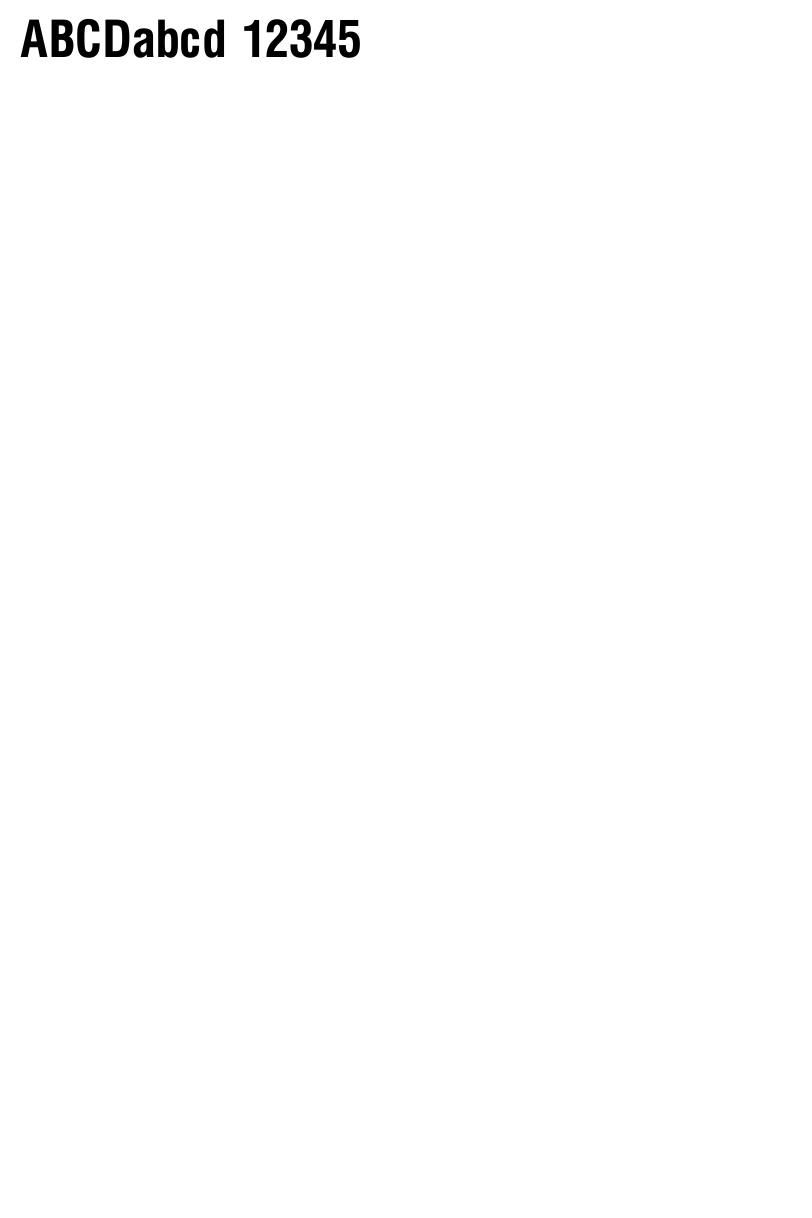
The default proportional font. Most commonly used for general text on labels. Scalable to any size.
^A0N,30,30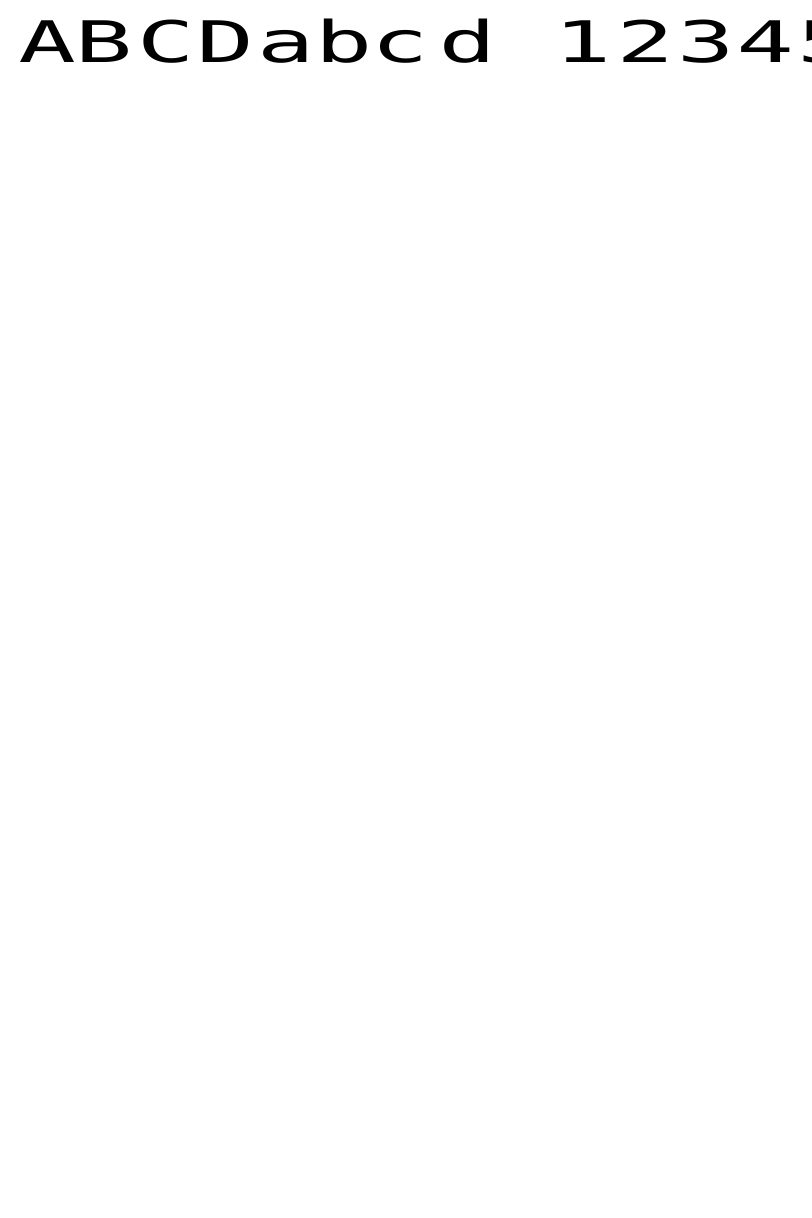
Small fixed-width font (9x5 dots). Ideal for fine print, disclaimers, and small text areas.
^AAN,9,5
Slightly larger fixed-width font (11x7 dots). Good for secondary information and compact layouts.
^ABN,11,7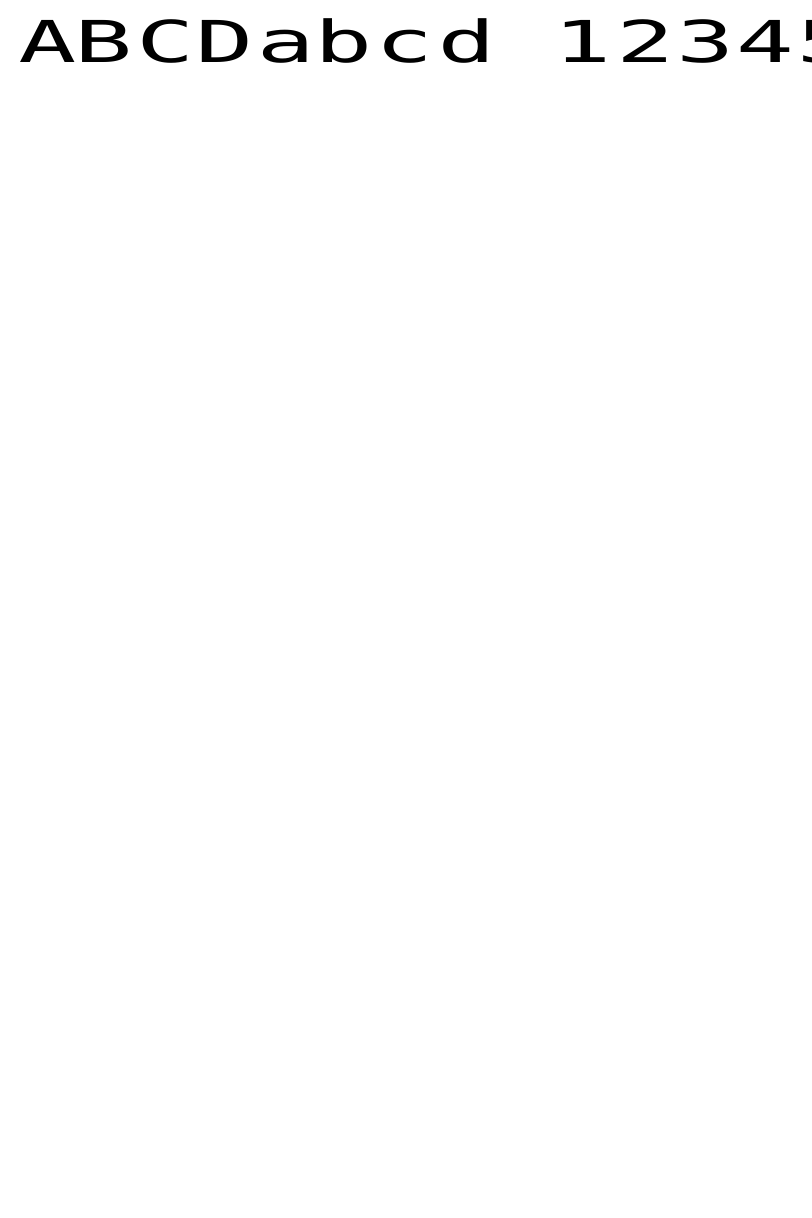
Medium fixed-width font (18x10 dots). Balanced readability for product details and descriptions.
^ACN,18,10
Medium fixed-width font (18x10 dots). Similar to Font C with slight character variations. Used for standard text.
^ADN,18,10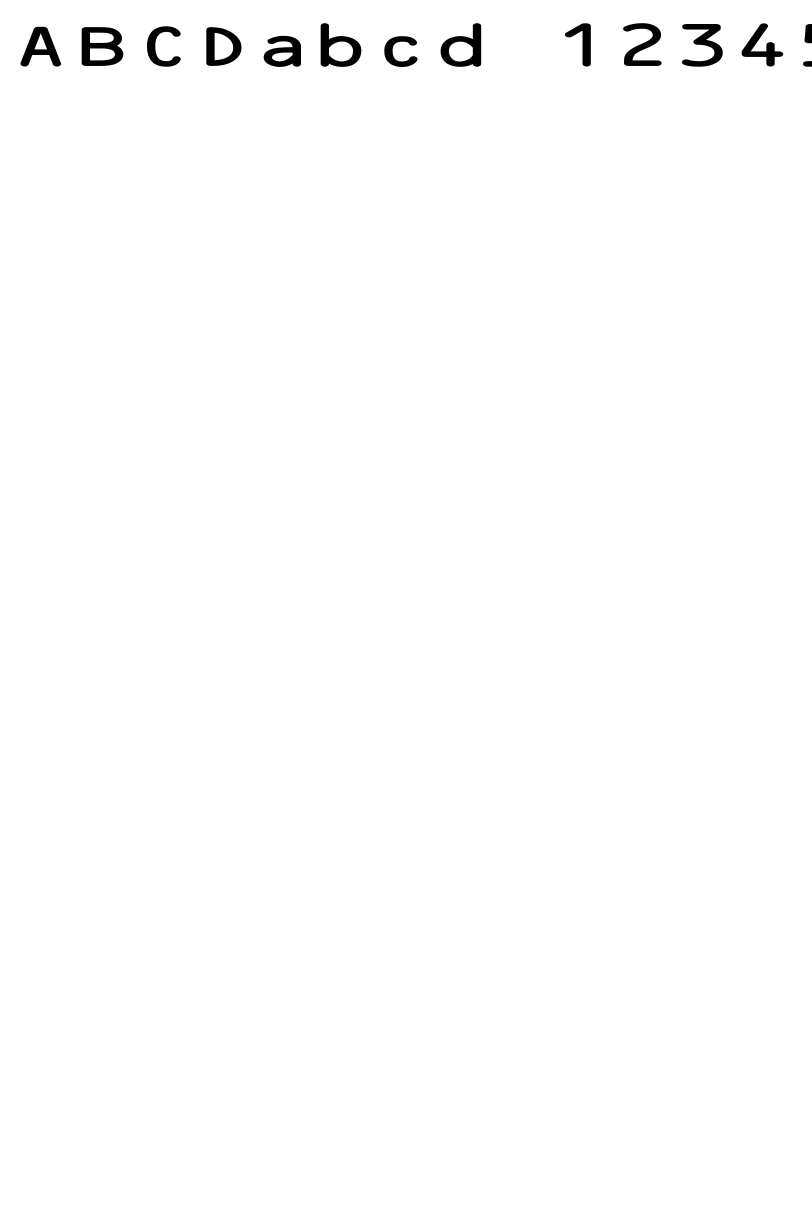
Large fixed-width font (28x15 dots). Highly readable, suitable for important information and warnings.
^AEN,28,15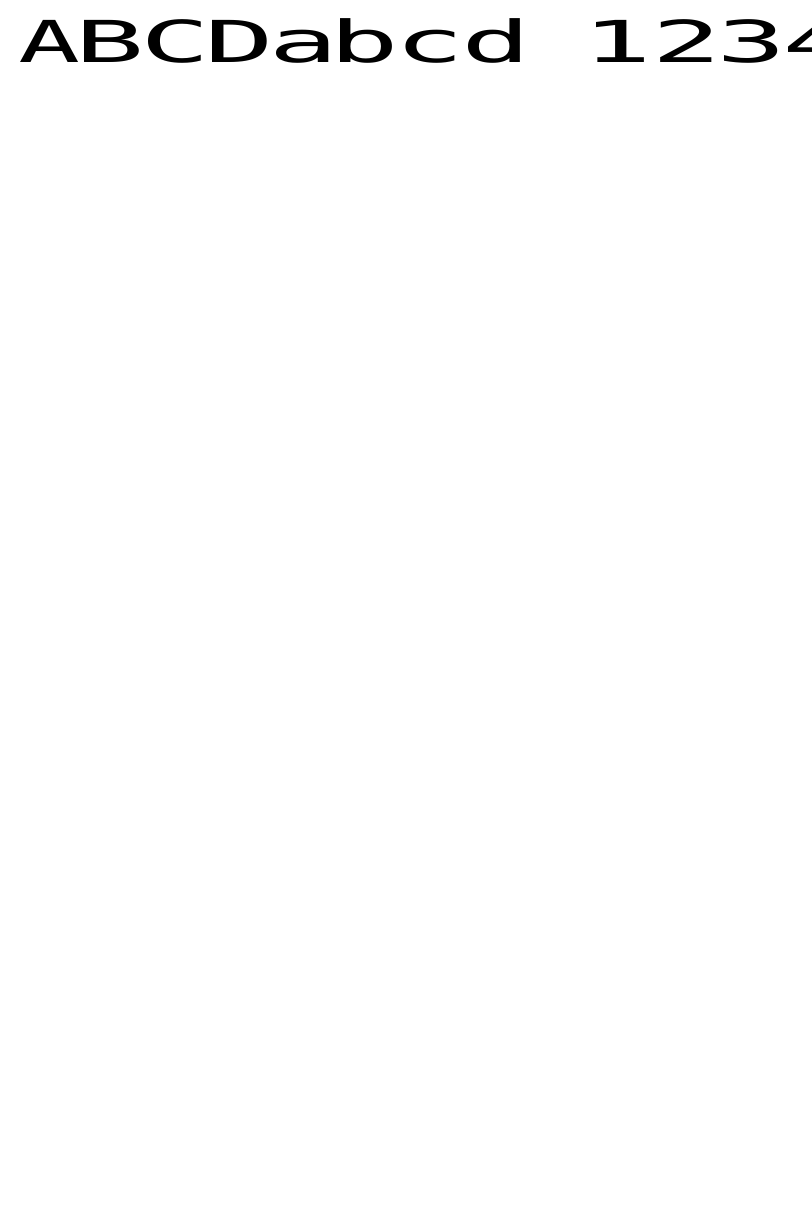
Large fixed-width font (26x13 dots). Good for headings and prominent text that needs to stand out.
^AFN,26,13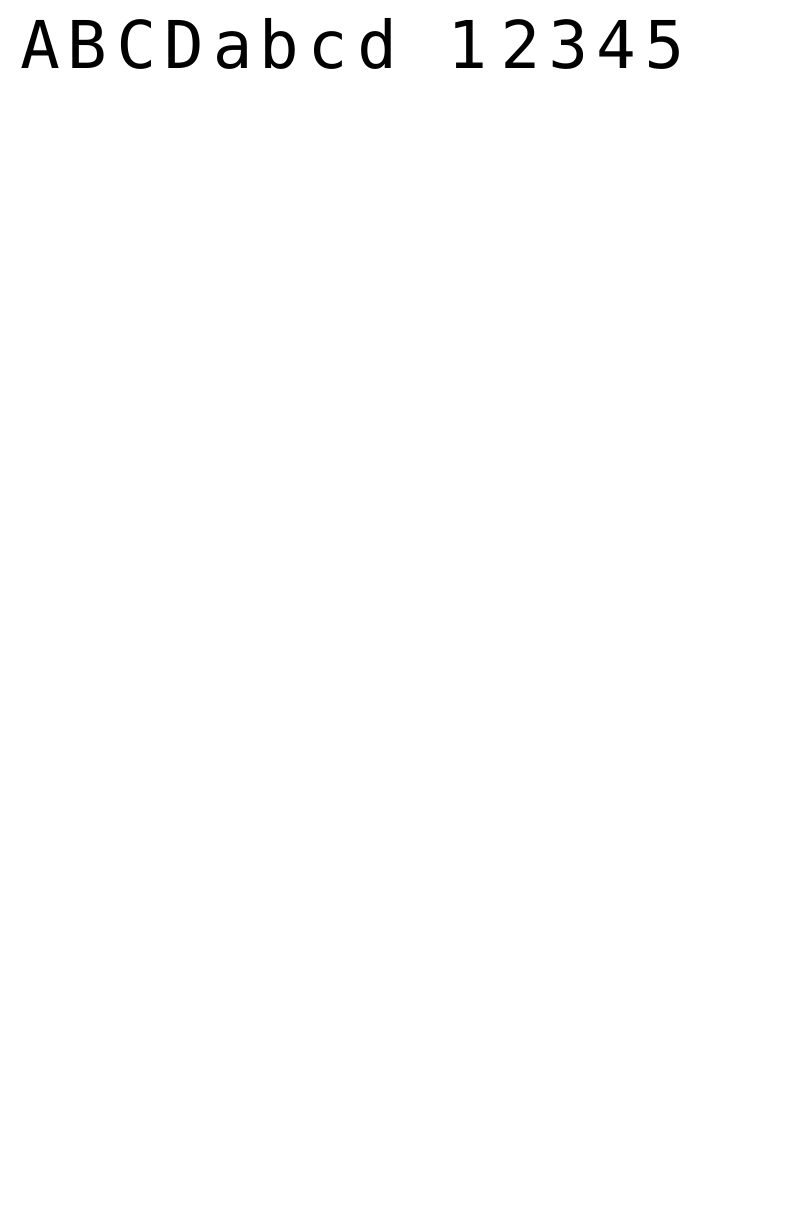
Extra-large fixed-width font (60x40 dots). Best for shipping labels, warehouse signs, and large-format labels.
^AGN,60,40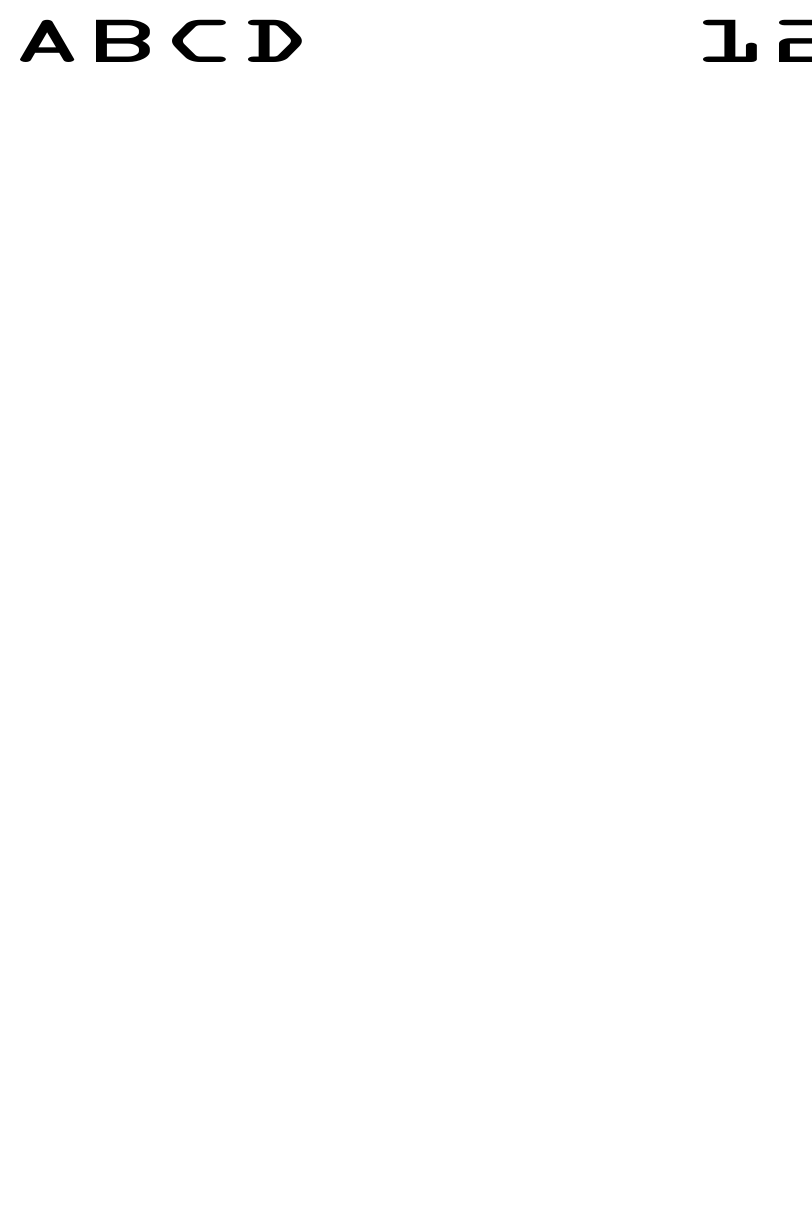
OCR-B compliant font (21x13 dots). Designed for machine-readable text. Used in banking and postal applications.
^AHN,21,13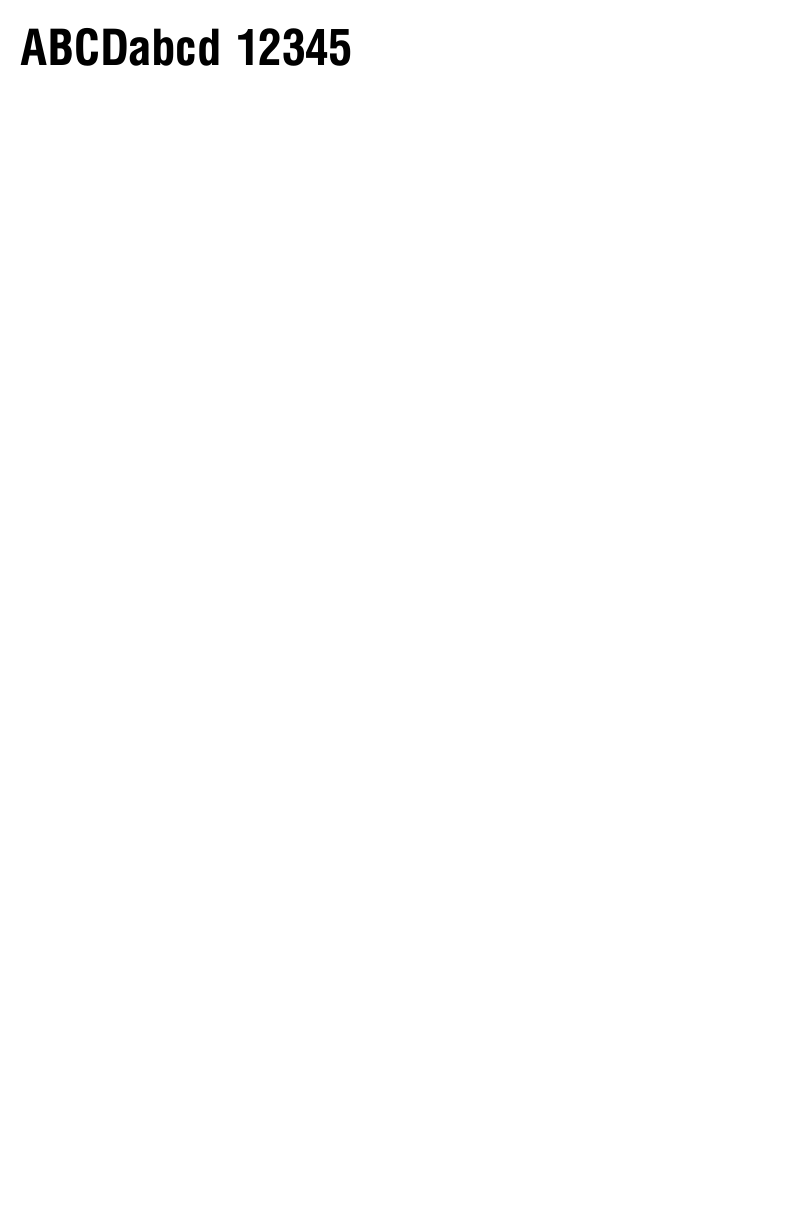
Medium proportional font (20x18 dots). Natural spacing for readable body text on labels.
^APN,20,18
Large proportional font (28x24 dots). Excellent readability for important label content.
^AQN,28,24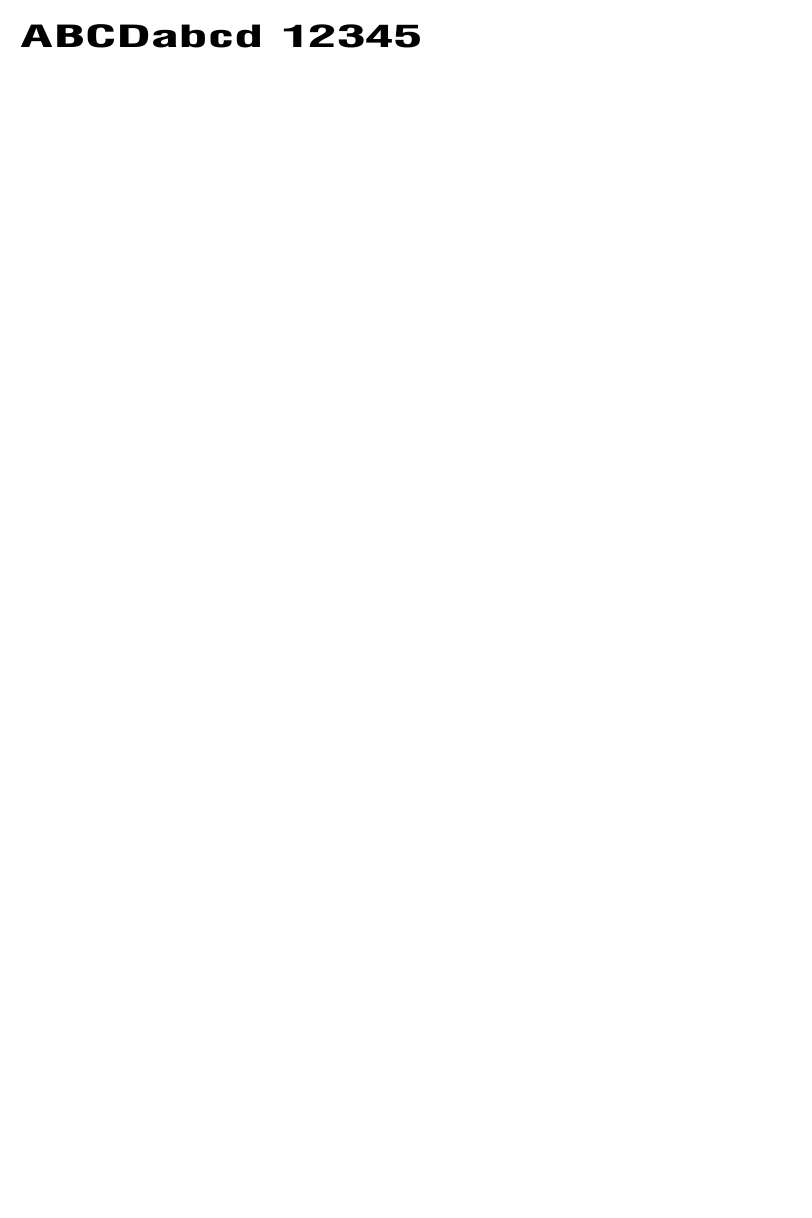
Extra-large proportional font (35x31 dots). Perfect for prominent headings and title text.
^ARN,35,31
Very large proportional font (40x35 dots). Ideal for shipping labels and large-format printing.
^ASN,40,35
Display-size proportional font (48x42 dots). Used for signs, large labels, and maximum visibility text.
^ATN,48,42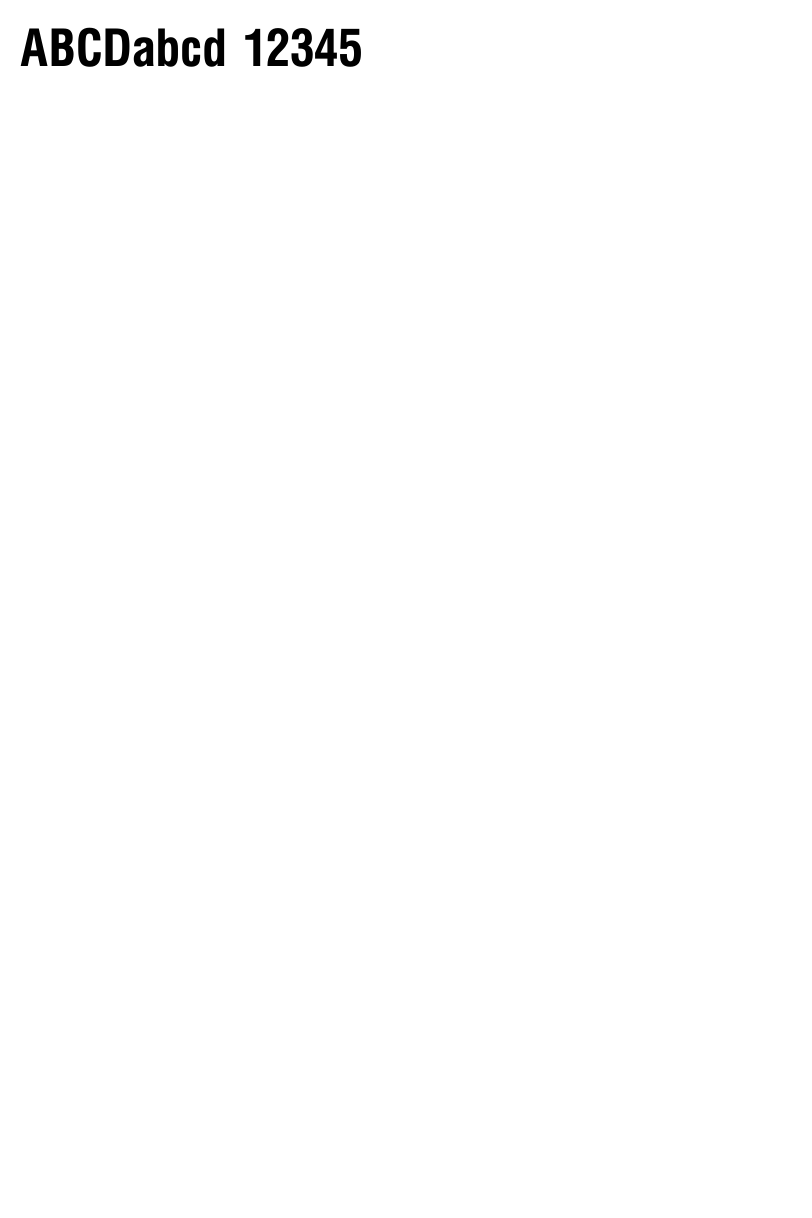
Extra-display proportional font (59x53 dots). For oversized labels and warehouse signage.
^AUN,59,53
The largest built-in proportional font (80x71 dots). Maximum size for signs and large-format applications.
^AVN,80,71Try It — Live Font Preview
Paste your ZPL code below and generate a live preview to see how fonts render on a Zebra label.
Paste your ZPL code below and generate a live preview to see how fonts render on a Zebra label.
Frequently Asked Questions about ZPL Fonts
How many built-in fonts do Zebra printers have?
What is the difference between Font 0 and the letter fonts?
How do I change the font size in ZPL?
Can I use custom fonts on Zebra printers?
Which ZPL font is best for barcodes and small labels?
What does the rotation parameter (N, R, I, B) mean in ^A command?
Start Creating Labels with the Right Font
Use our free ZPL tools to preview, convert, and validate your label designs with any font combination.